
OBELISK
2 HPA quiet axis. A small talisman.

Objects for the space between sounds
A quieter kind
of presence
Ten ornamental blank panels for VCV Rack.
Dark surfaces. Fine lines. A little mystery.
Freeware · VCV Rack 2 · 2—16 HP

The collection
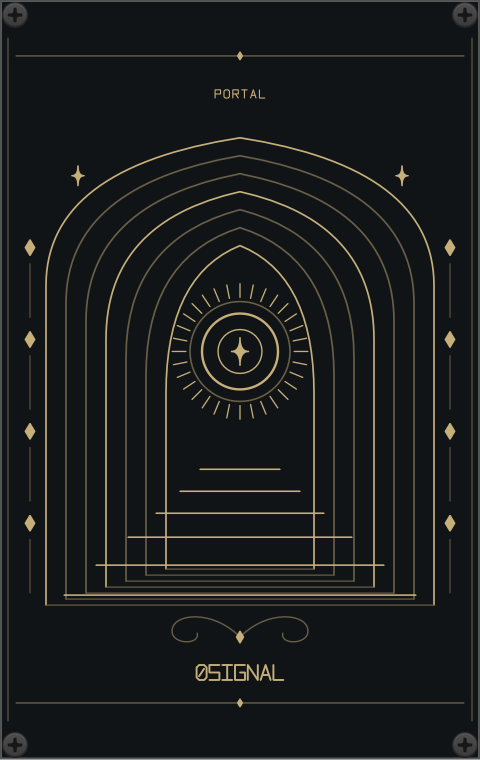
From a narrow talisman to an open portal.
A place for every empty space in your rack.
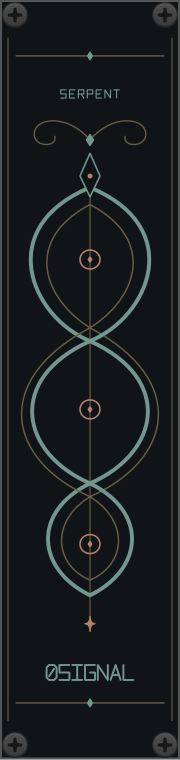
A quiet axis. A small talisman.
Seven phases, cast in silver.

An eye between two worlds.
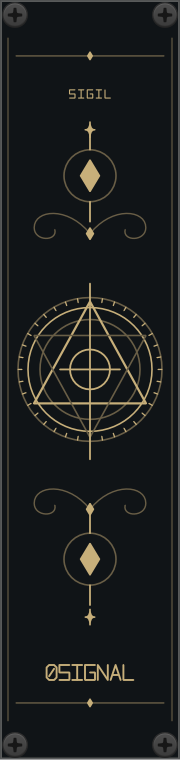
A seal for your own rituals.
Two paths, endlessly intertwined.
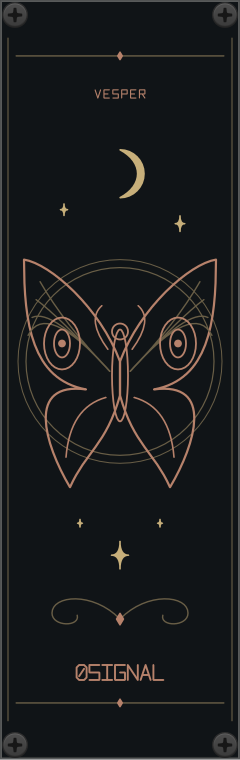
A night visitor, etched in copper.
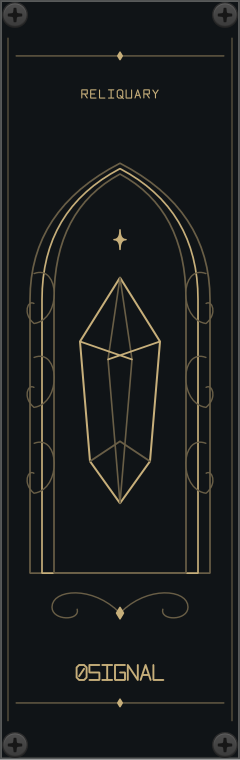
A crystal held in Gothic arches.
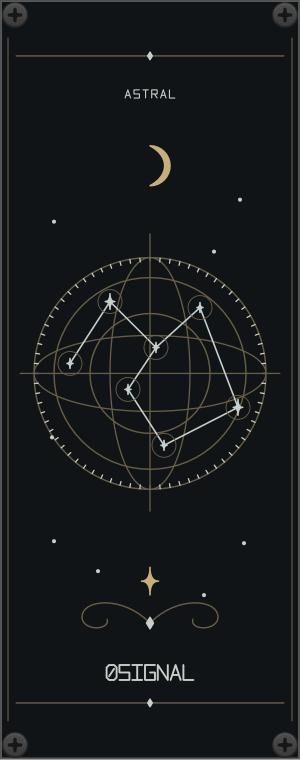
A map of imagined constellations.
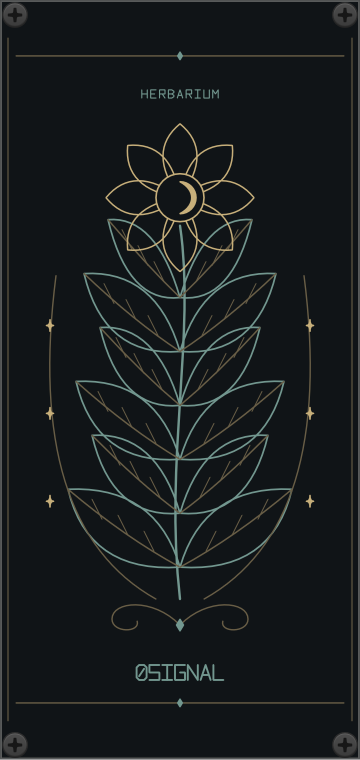
Botanical forms under a pale moon.
An invitation into the unknown.
Actual panels rendered in VCV Rack. All ten are included in every download.
The world of 0SIGNAL
A patch can have a rhythm before the first cable is connected. NOCTIS brings lunar cycles, imagined constellations and quiet botanical forms into the spaces you leave open.
Original ornaments on deep graphite, with traces of brass, silver, copper and muted green. Made to sit alongside the instruments you love.
No inputs. No outputs. Just presence.Begin your ritual
The complete collection, free to use in your music, videos and live performances.
Version 2.0.0 / For VCV Rack 2
Download the collection demo patch ↗macOS builds tested in Rack 2.6.6. Windows and Linux builds are available for testing; runtime verification is still pending.
A small beginning
In VCV Rack, choose Help → Open user folder. Then quit Rack.
Copy your .vcvplugin file into the matching plugins-<OS>-<CPU> folder. Keep the file intact.
Restart Rack. Right-click an empty space and search for 0SIGNAL. Add any of the ten panels.
Apple Silicon: plugins-mac-arm64
Intel Mac: plugins-mac-x64
Windows: plugins-win-x64
Linux: plugins-lin-x64